Keep workforce safety records together.
Coordinate training and credential records, new-hire progress, field-safety work, and incident follow-up. See what needs attention and find the supporting records when your team needs them.
Try up to 500 profiles for 14 days, then keep five profiles on Free. No credit card required.
- Dec 12Renewal window opens. 90 days out.
- Dec 12Marcus and his supervisor both get a notification.
- Jan 8Renewal booked. Weekly reminders until it is done.
- Feb 20Renewed, good through 2030. Nothing lapsed.
Example configuration: a 90-day lead time and weekly reminders, with employee and supervisor email addresses in place. Configure the timing and responsible contacts for your operation.
Safety work creates records across the whole company.
Training, onboarding, job planning, and incident follow-up often span the office and the field. CrewSafety gives your team a shared place to review the work and its supporting records.
Know what needs attention. Find the record behind it.
Review training gaps and credential dates, follow new hires through onboarding, record field-safety work, and keep incident follow-up organized. Reminder timing and recipients are configured for your operation.
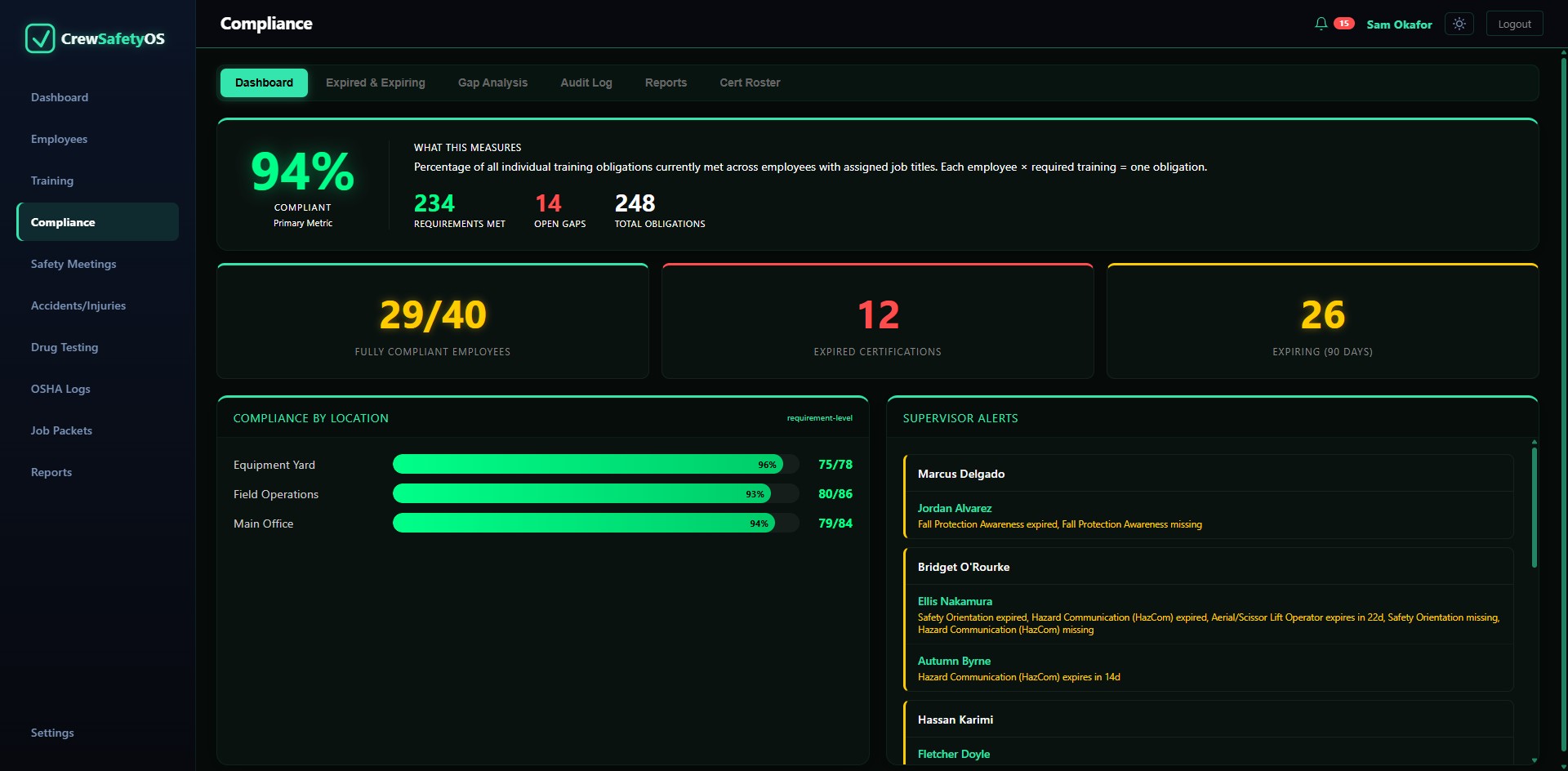
The packet goes out before the job starts. Then the job asks for one more thing.
Build a job packet from the employees and certification records you select. When a general contractor asks for another record or a certification changes after submittal, review the selections and regenerate the packet before resending it, or share the individual record.
Built once, reused every job
Reopen a saved packet to review its selected records. If employee assignments or source records changed, regenerate the PDF before you send it again.
Review and regenerate before resending
A saved PDF reflects the records included when it was generated. When crew assignments or certifications change, edit the packet, review the selected records, and use Save & Regenerate PDF before sending it again.
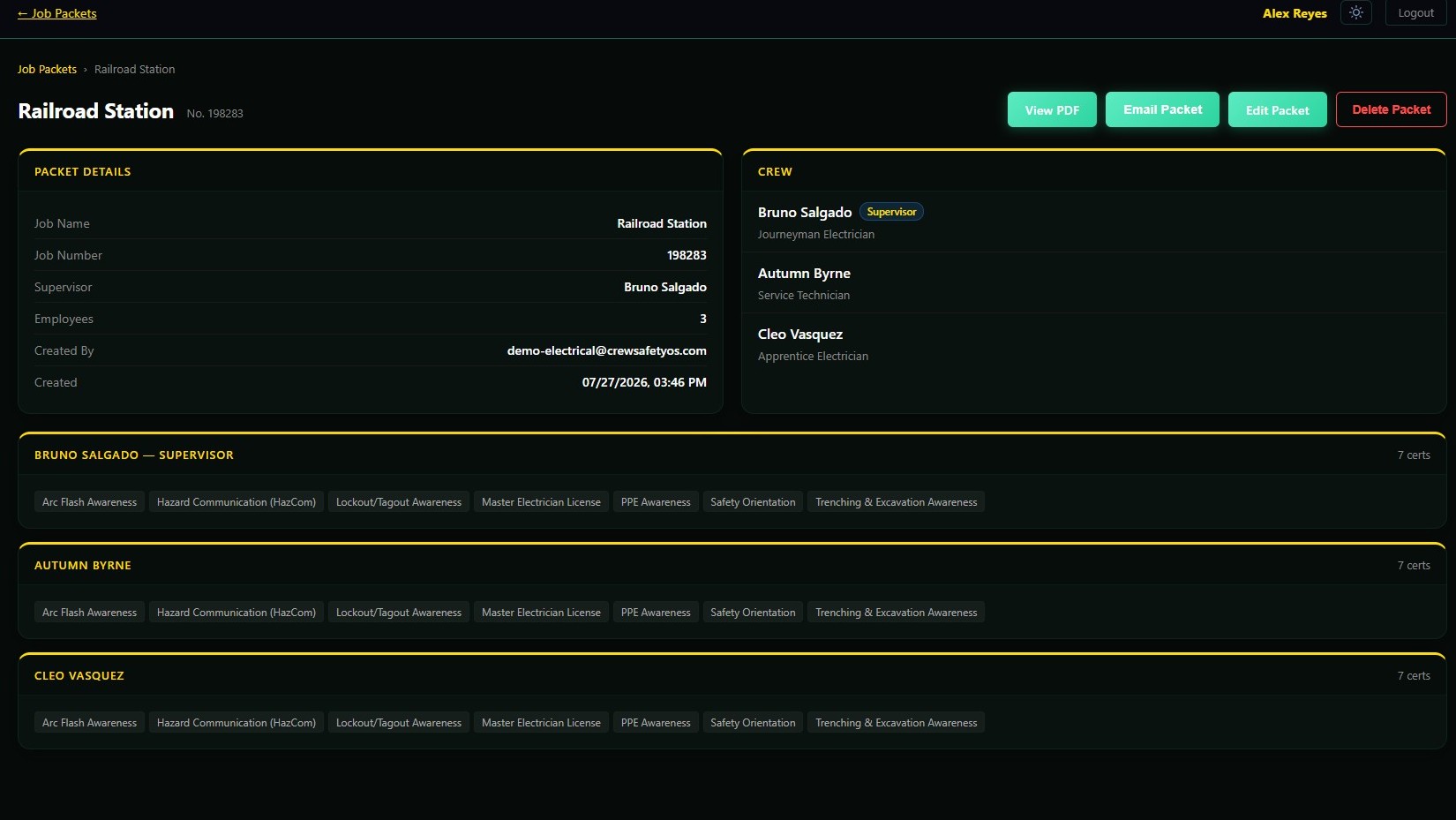
One packet up front. Everything after it, in a few clicks.
Bring recurring safety work into one routine.
Bring people in
Track a new hire's progress, planned start, onboarding, and policy sign-offs.
Plan field work
Document job hazards, crew acknowledgments, observations, and follow-up actions.
Review what needs attention
See required-training gaps, credential dates, and follow-up states using your configured records.
Share supporting records
Find scoped reports and review job packets before sending them to a customer or project team.
One system for workforce and field-safety work.
Core product modules are included on every plan. Plans differ by profile capacity, support options, and Enterprise terms.
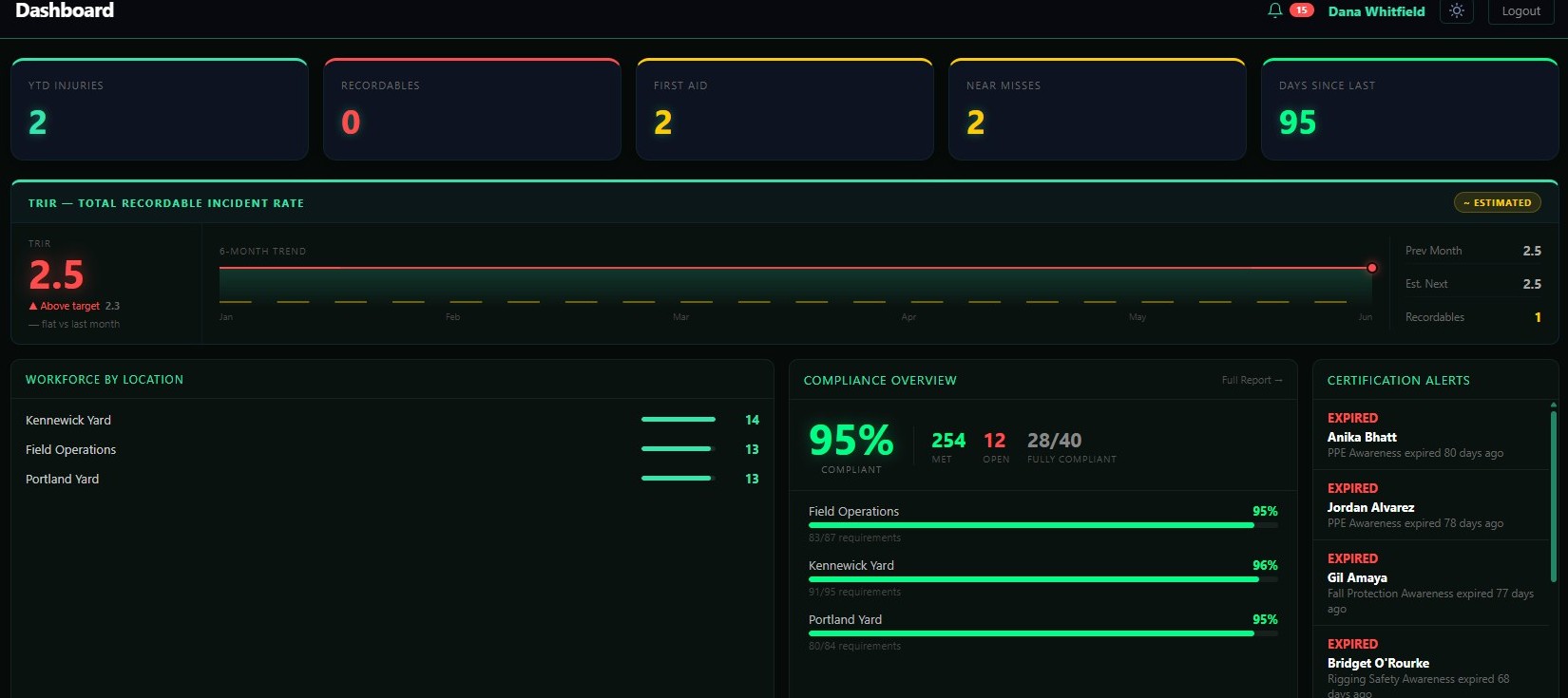
DashboardTRIR against target, and what expired while you weren't looking.
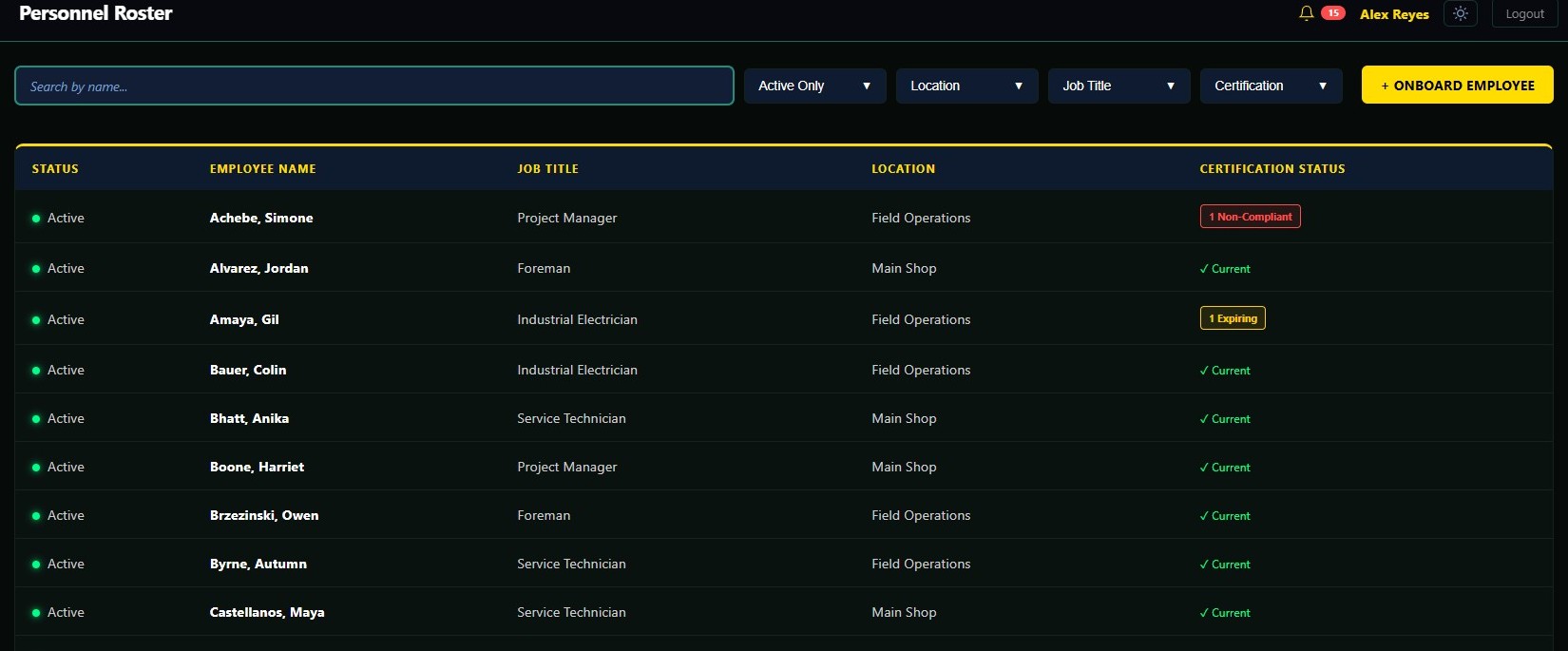
Personnel rosterEmployee records with credential status and filters.
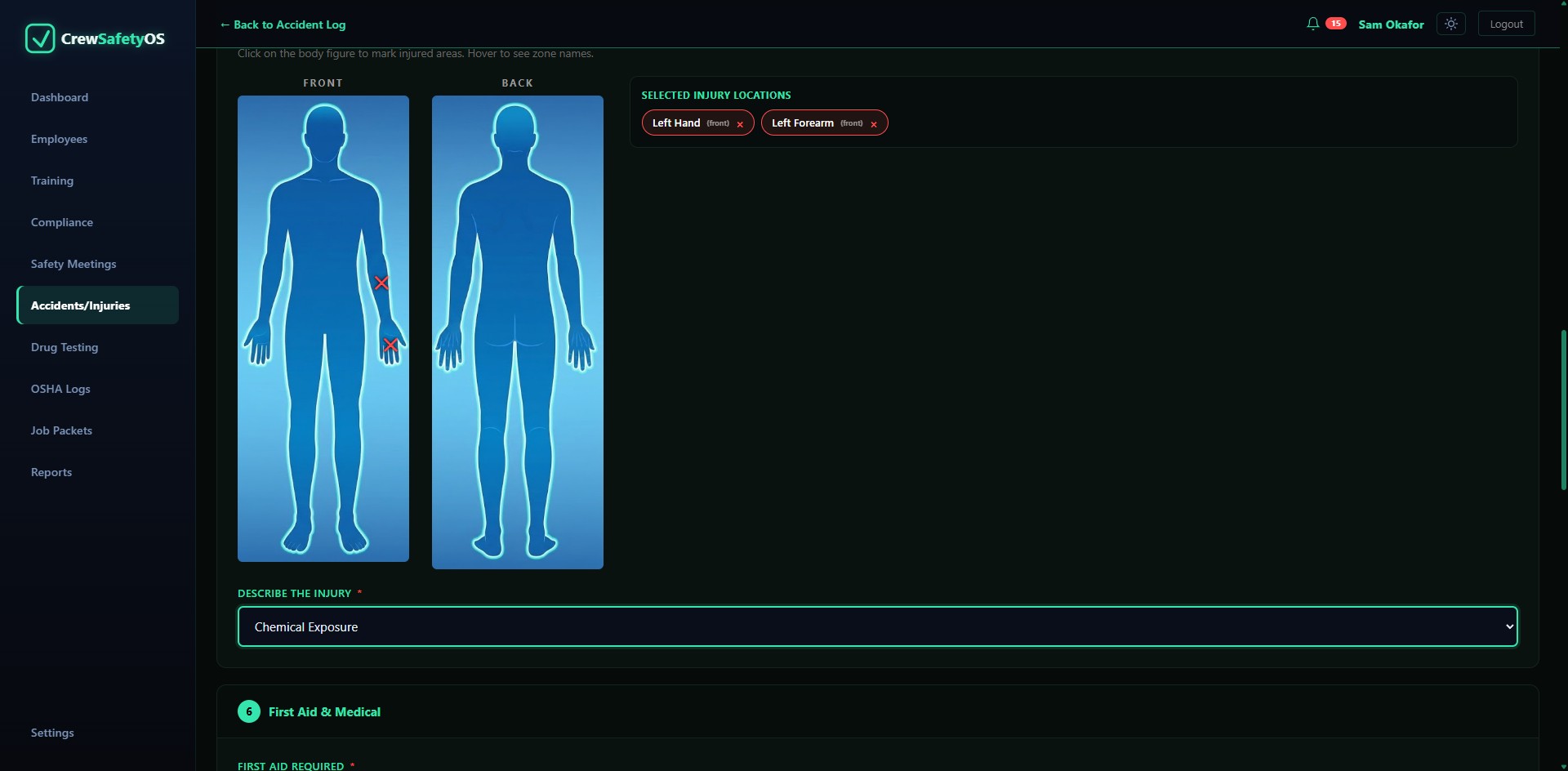
Accident reportsMark the injury on the body map, front and back.
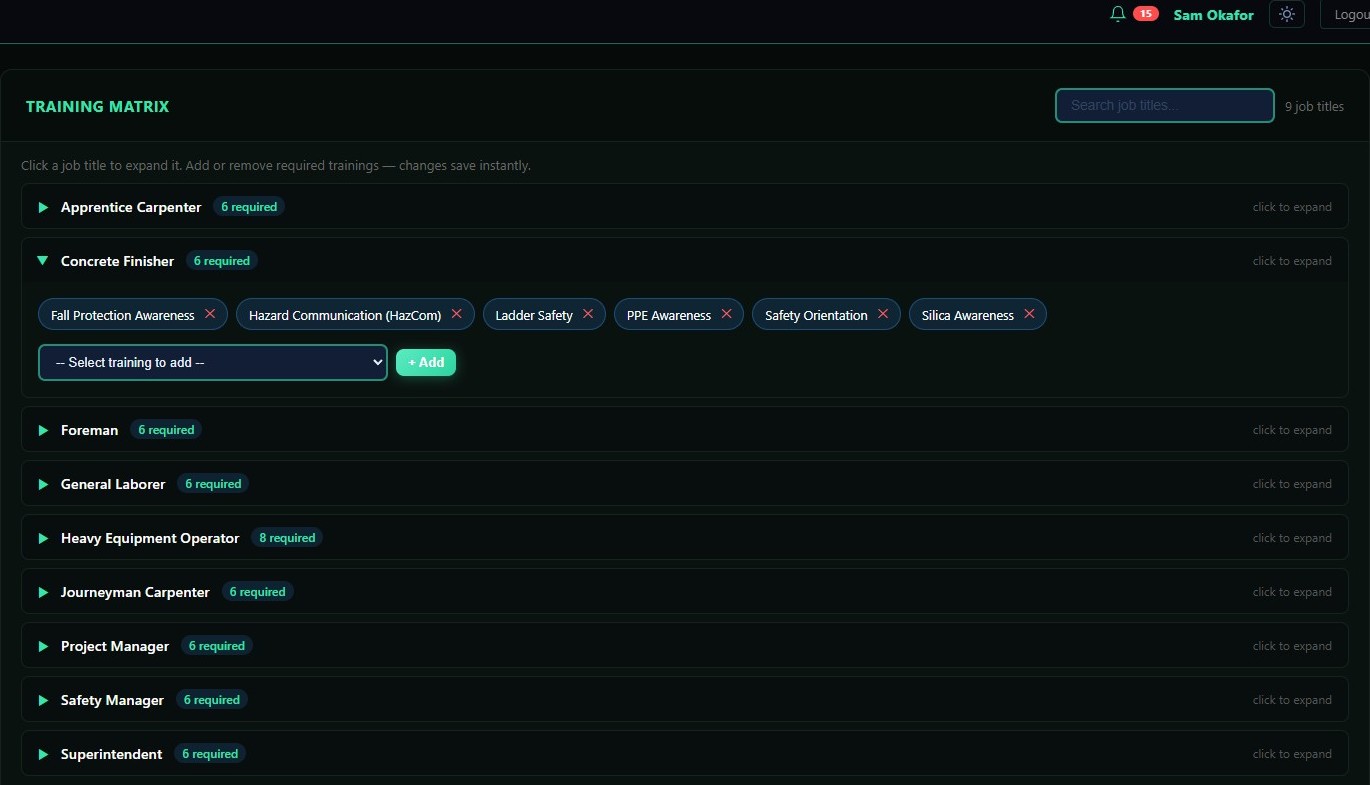
Training matrixRequired training per job title, so gaps compute themselves.
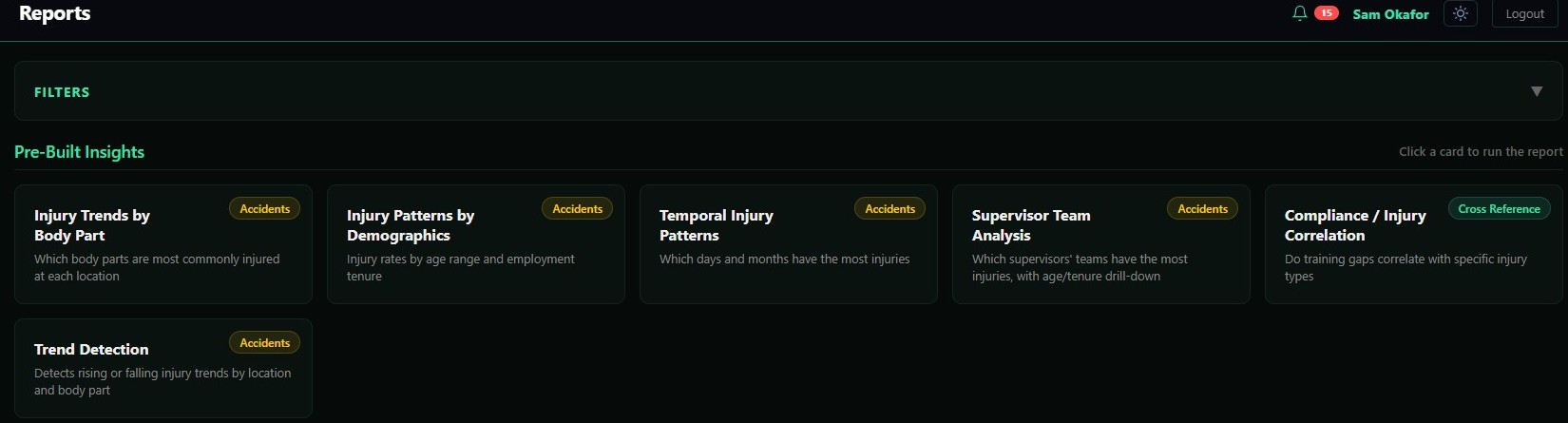
ReportsReview safety information and prepare scoped exports.
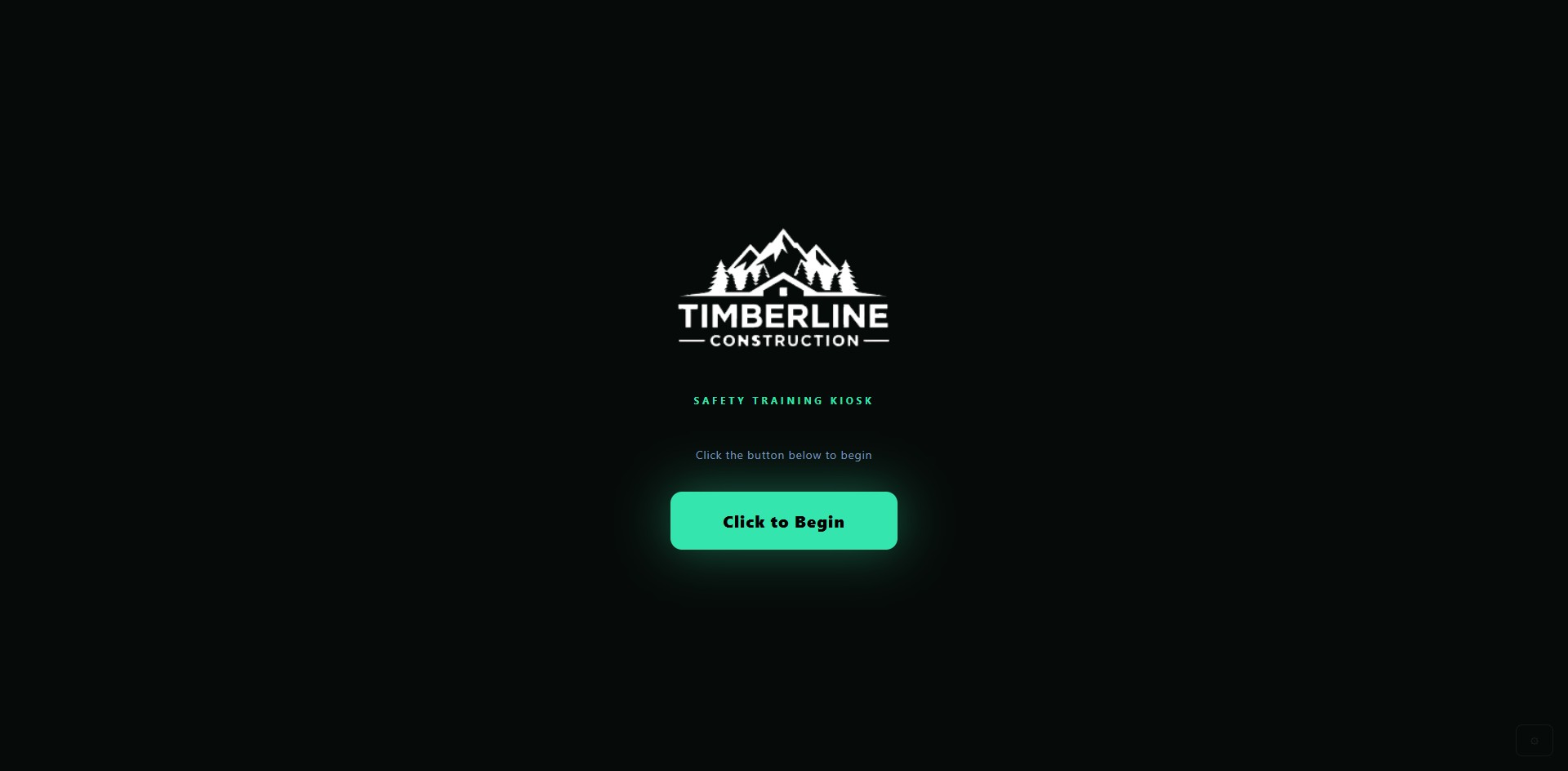
KioskNew hires enter their own details on day one, under your logo.
Wherever a credential has to hold up.
Built around the credentials and job-packet workflow these trades actually run on, where the record starts with a person, not a form. Evaluating other software for this job? See how CrewSafety compares.
See what you've been missing.
Try up to 500 profiles for 14 days, then keep five profiles on Free. Review the current features and plan limits before you start.